
Part of the course: Front desk in Cary · 5/6
Make the screen yours
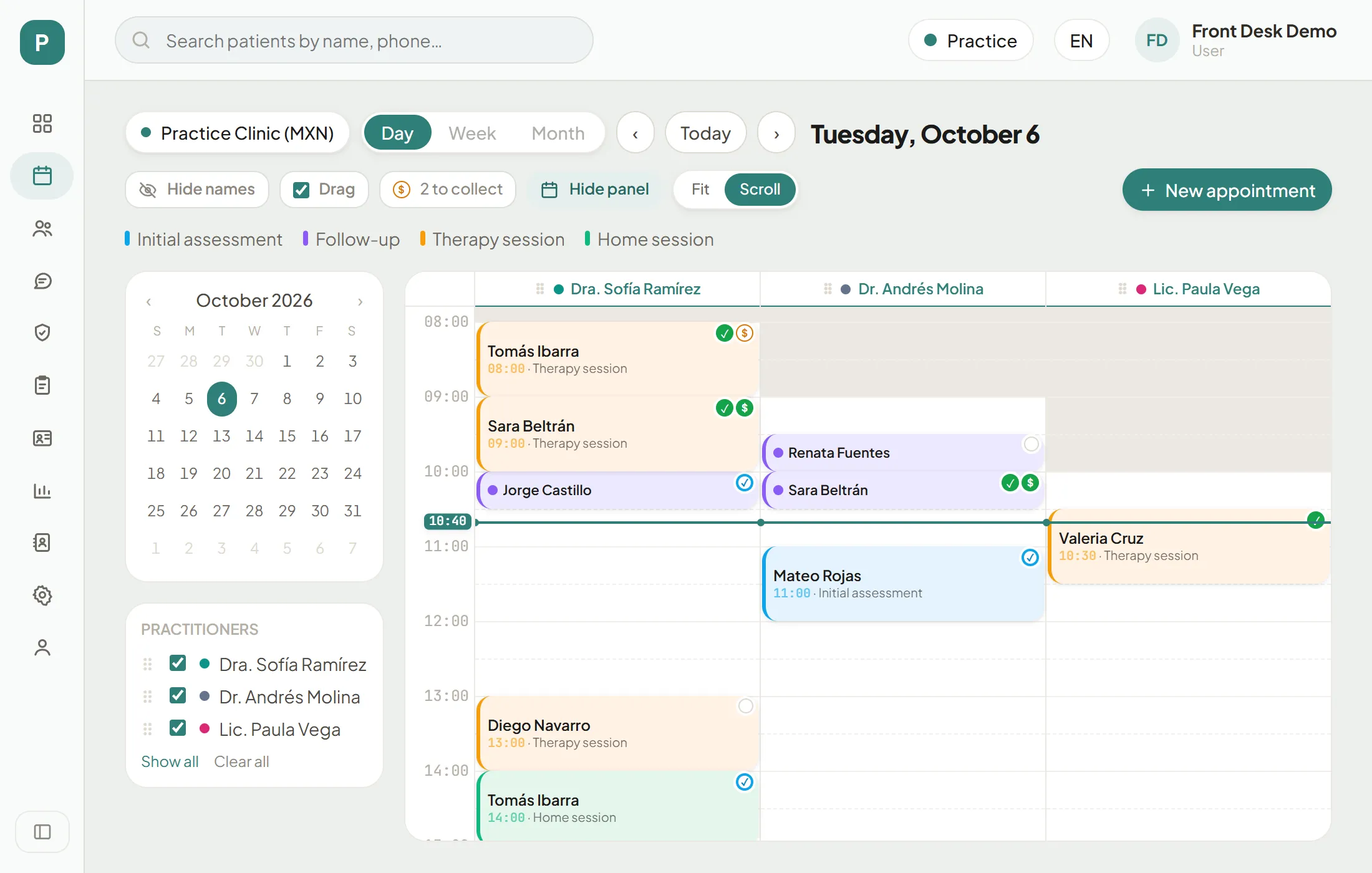
Pick your style in My profile, fit the schedule to your screen, show only the practitioners you need, drag appointments and hide panels.
None of this changes what anyone else sees: these are your preferences, in your browser.
Your style (My profile → Appearance)
Cary has 10 styles: they change the shape, the typeface and light or dark mode. The colour stays the brand one.
Pick a style
Step 1 of 5
Open My profile
It is the last icon in the left menu. You can also click your name, top right.
The schedule, your way
Schedule options
Step 1 of 9
Fit or Scroll
"Scroll" keeps each hour at its natural height and you scroll inside the schedule. Cary remembers your choice (the practice opens on "Scroll").
Your turn: simulation
Simulation: your turn
Screen 1 of 3Open My profile.
Practise
These changes are saved only in the practice; “Reset practice” puts them back.
Loading the practice…
Loading the practice…